
HomeSmart

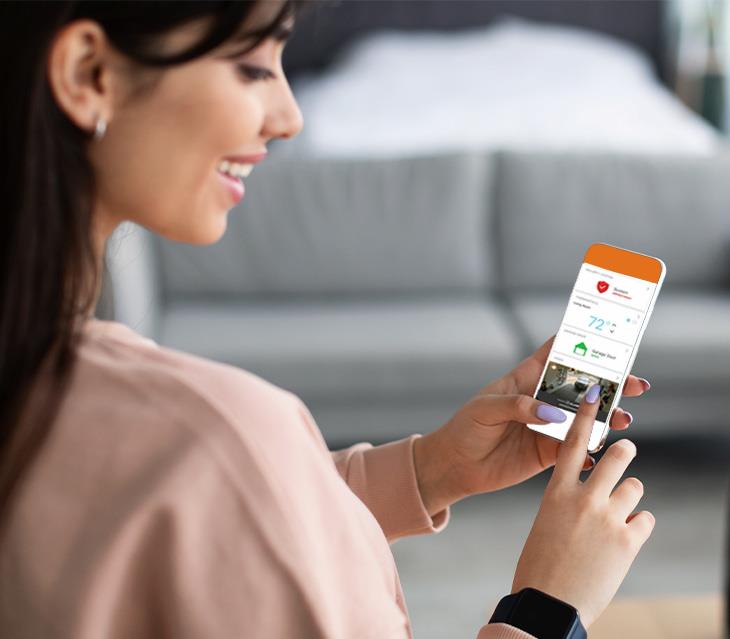
Experience unmatched convenience and peace of mind through our comprehensive home security and automation services.
Everything connected in a single experience
Enhance Your Security & Automation with HomeSmart
Benefit from 24/7 home monitoring accessible at your fingertips. Our internet-enabled system simplifies arming and disarming your security setup via smartphones, tablets, and various web-connected devices. so you can stay connected and in control from any location.
Explore the HomeSmart advantage today and seize control of your home's security and automation.
 Sign Up Today
 Total Attack Pack
The Ultimate Security Equipment Package
Get the latest in security technology, providing convenience, comfort, energy efficiency, and enhanced monitoring for your home with the Attack Pack. All for a one-time cost of $249 per kit!
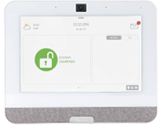
Qolsys Panel
The Qolsys IQ Panel 4 is a 7” HD touchscreen that keeps you connected to all your smart devices and in control over your entire home.
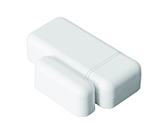
Entrance Sensors
These ultra-compact sensors can be installed on anything that opens/closes and securely connects to the IQ Panel.
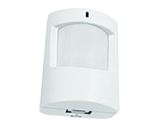
Motion Unit
The pet immune motion detector is designed to mount on a flat surface or corner and sends signals to the IQ Panel.
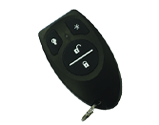
Keychain Remote
The IQ FOB gives you keychain access to your system allowing you to activate/deactivate within 100’ of the IQ panel.
PLUS Managed Whole-Home Wi-Fi and 50% OFF any camera!
Security you can rely on
Stay One Step Ahead & Save
With two different options to choose from, HomeSmart makes it even easier to keep your home smart and secure. The best part is, you can add additional equipment at any time!


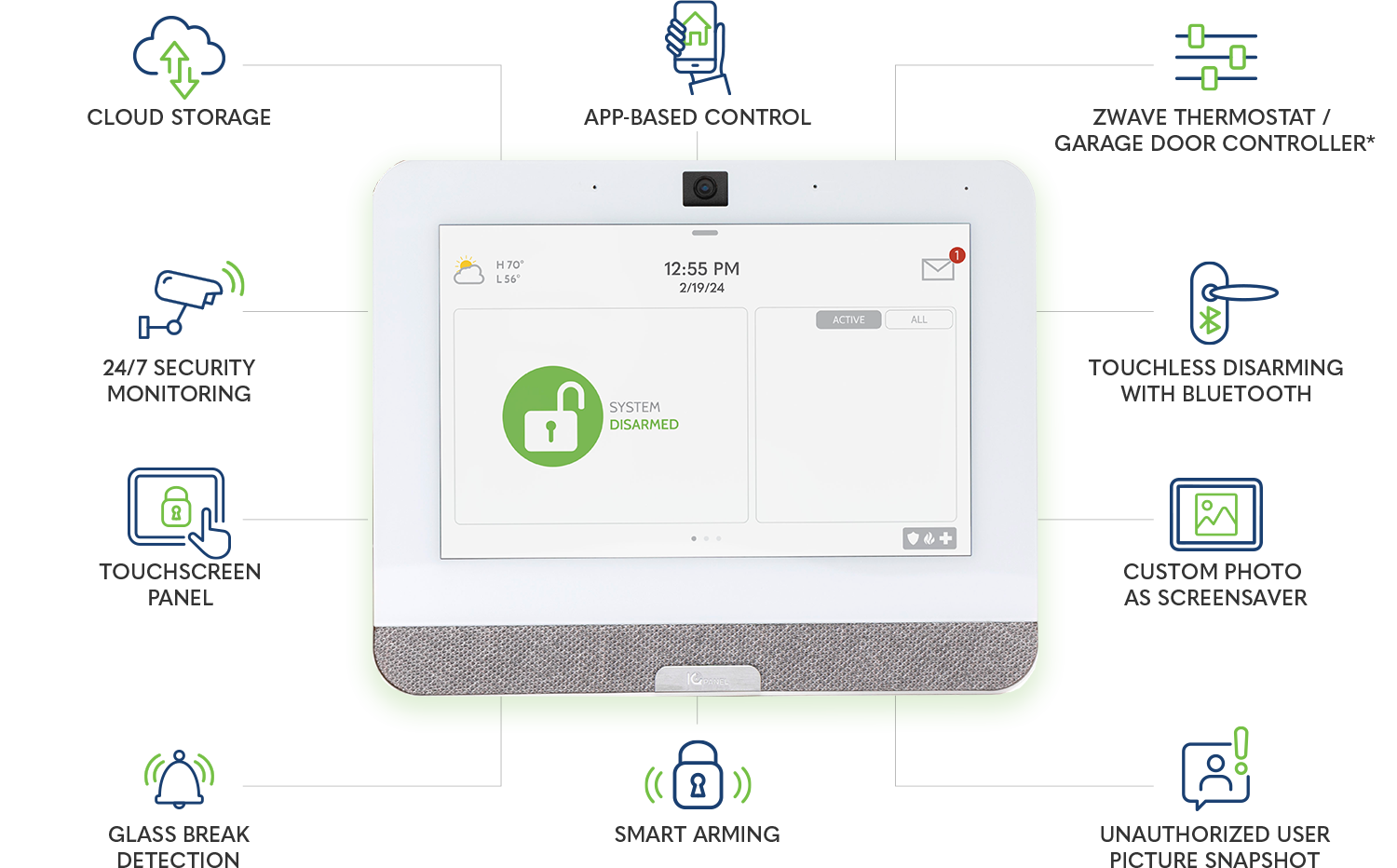
Cloud Storage


24/7 Security Monitoring
Touchscreen Panel
Glass Break & Motion Detection
Bluetooth, Touchless Disarming
Custom Screensaver
Unauthorized User Snapshot
App-Based Control
Smart Arming
Remote Access from Anywhere
Smart Energy Management/Control
Real Time Event Notifications/Alerts
Set Custom Scenes/Schedules
Manage Temperature Remotely
Remotely Unlock Door/Garage Door
*Equipment not included with packages

View Add-Ons

View Add-Ons
HomeSmart Add-on Items
-
IQ Remote
$230.00
-
Smoke Detector Sensor/Transmitter
$75.00
-
Zwave Light Bulb
$50.00
-
Indoor HD 1080P Camera
$105.00
-
Outdoor HD 1080P Camera
$229.00
-
Zwave Thermostat
$129.00
-
Zwave Garage Door Controller
$115.00
-
Yale Zwave Lock (2 different finishes)
$199.00
-
Smart Doorbell Camera
$199.00
-
Qolsys Keychain Remote
$30.00
-
Additional Door/Window Contact
$19.00
-
Panel Stand
$7.00
-
Maintenance
$4.99 per Month
Indoor/Outdoor camera option will require an additional $10/month.
The Hub
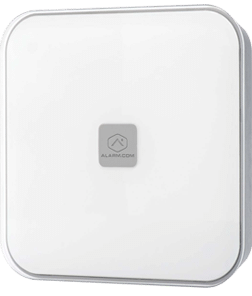
Home Automation
The Hub is a standalone home automation hub. It enables communication between home automation end-point devices and the Alarm.com cloud service via a cellular or Ethernet network. A user is able to remotely control functions on the Hub and its associated Alarm.com Interactive Services (including Zwave devices) via a web application or mobile app.
- Touchscreen No
- Zones N/A
- Compatibility Zwave
Skills
- The Hub that will control Zwave devices from an app.
- Locks, Doorbells, Thermostats, Garage Door Openers and Lighting can be controlled.
- NOTE: If you add Security to your services, you will need to replace The Hub with a currently available security panel.
Benefits of smart home technology
Total Home Control in the Palm of Your Hand
Experience the freedom of managing your home from anywhere using Smart Home Technology. Connect, control and customize your whole home plus manage it all at the touch of a button with HomeSmart!
Home
Security

Video
Monitoring

Locks
& Lights

Water
Protection

Temperature
Control

Remote
Control
 Submit Form
 24/7 SECURE MONITORING
See What Matters from Anywhere
With HomeSmart by Home Telecom, experience unmatched convenience and peace of mind through comprehensive home security and automation. PLUS, get any camera 50% off when you sign up for HomeSmart today!
 Get Homesmart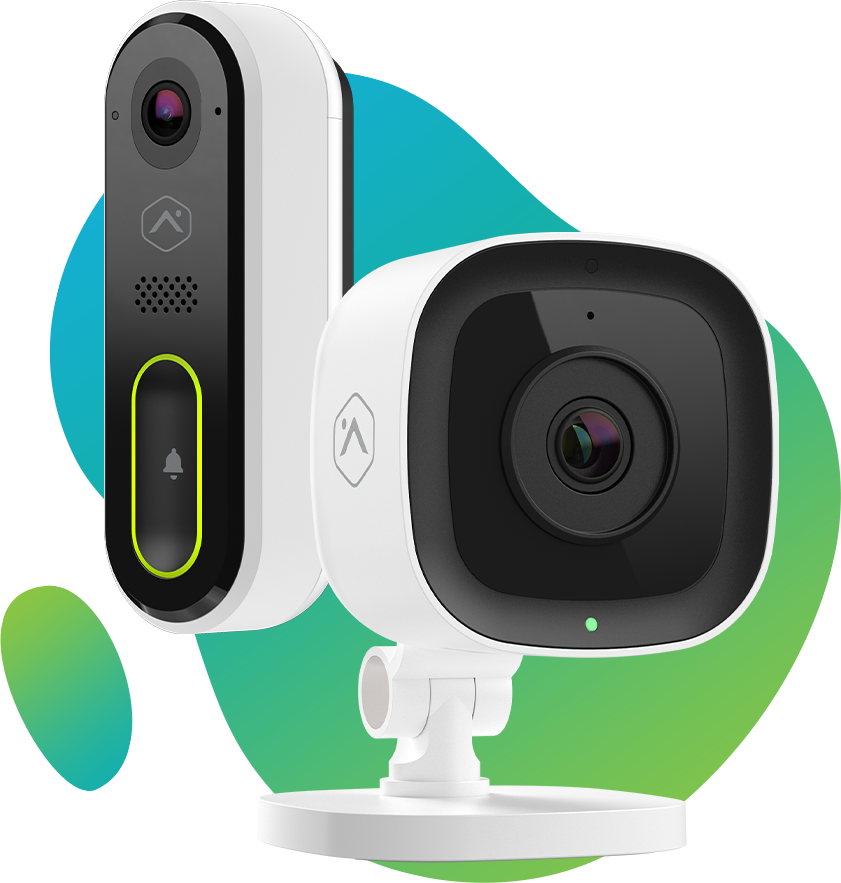
Find out what speed you need
 Try Our Easy Tool Now!
How many devices connect to your network at a time?
Think smartphones, computers, tablets, gaming systems, smart doorbells, thermostats, etc.
 Calculate
 Shop Now


Need help deciding? Our qualified professionals are available by phone to answer questions and help you get the best plan for you and your family. Call our Customer Service today at
888-746-4482
Get started by filling out the form below
Cost of the Equipment not included and purchase of additional equipment may be necessary. For residential customers only. Some Home Telecom offerings are not compatible with all security systems. Indoor/Outdoor camera option will require an additional $10/month. MyWiFi Xtreme requires Home Telecom internet package. All Security packages require a 3 year monitoring agreement. Early termination fee of $250 applies. App-based control for Security and Home Automation provided by Alarm.com dependent upon your equipment chosen. Additional restrictions may apply. This offer may be discontinued at any time.