


learn more about your speed
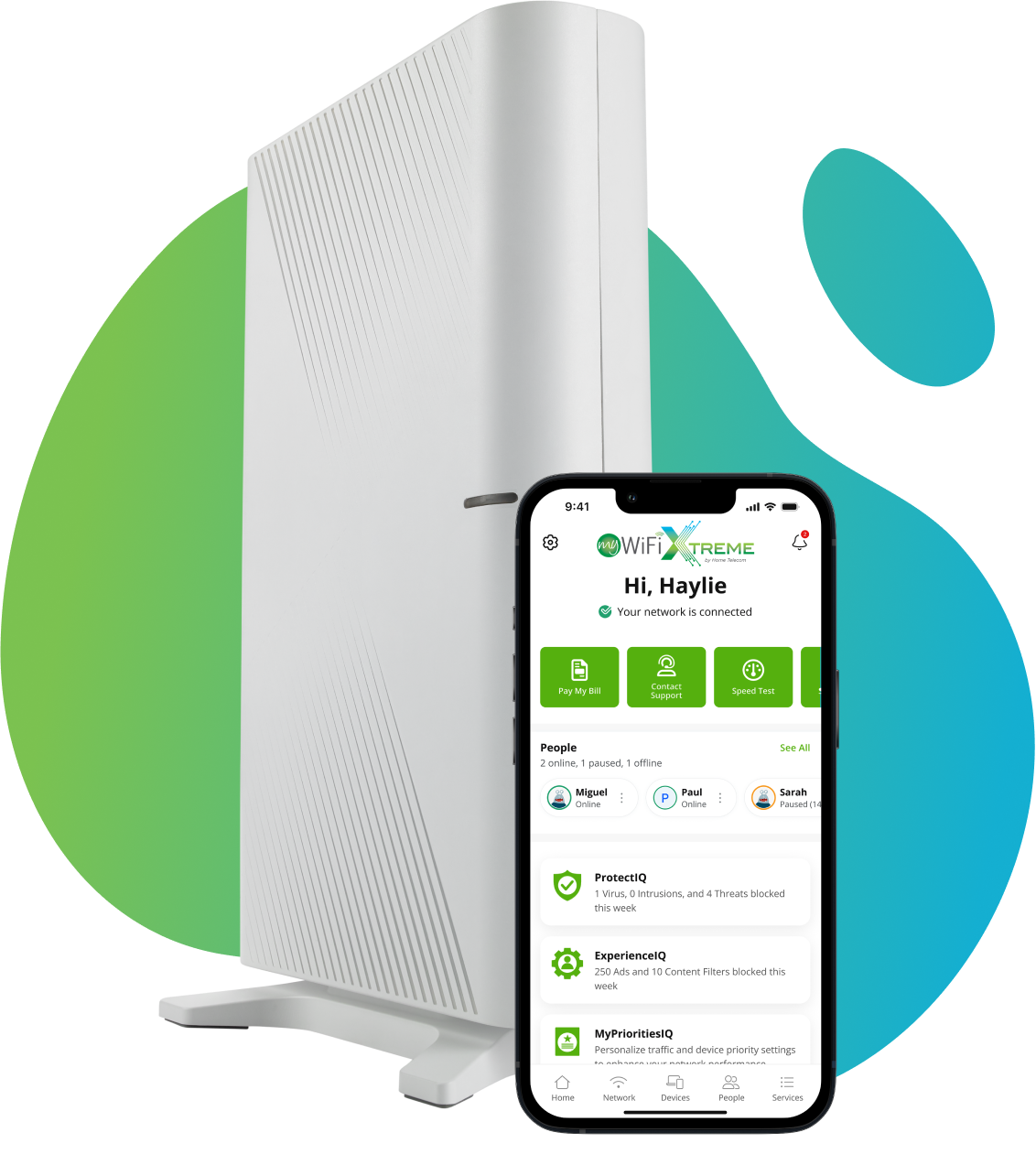
Use our FREE MyWiFi Xtreme app to run a speed test and see how your current connection measures up!
DOWNLOAD OUR FREE APP




Check Your Speed in the App
In the MyWiFi Xtreme app, you can check your speed directly from your router. To get started, you just need to download the MyWiFi Xtreme app from Google Play or the App Store below!
checking your speed is easy
 Download the
MyWiFi Xtreme App
 Sign into
Your Account
 Set Up
Your System
 Select ‘Speed Test’
from the Menu
PRIORITIZING YOUR DEVICES

 MYPRIORITIESIQ
Experience Your Wi-Fi to the Fullest
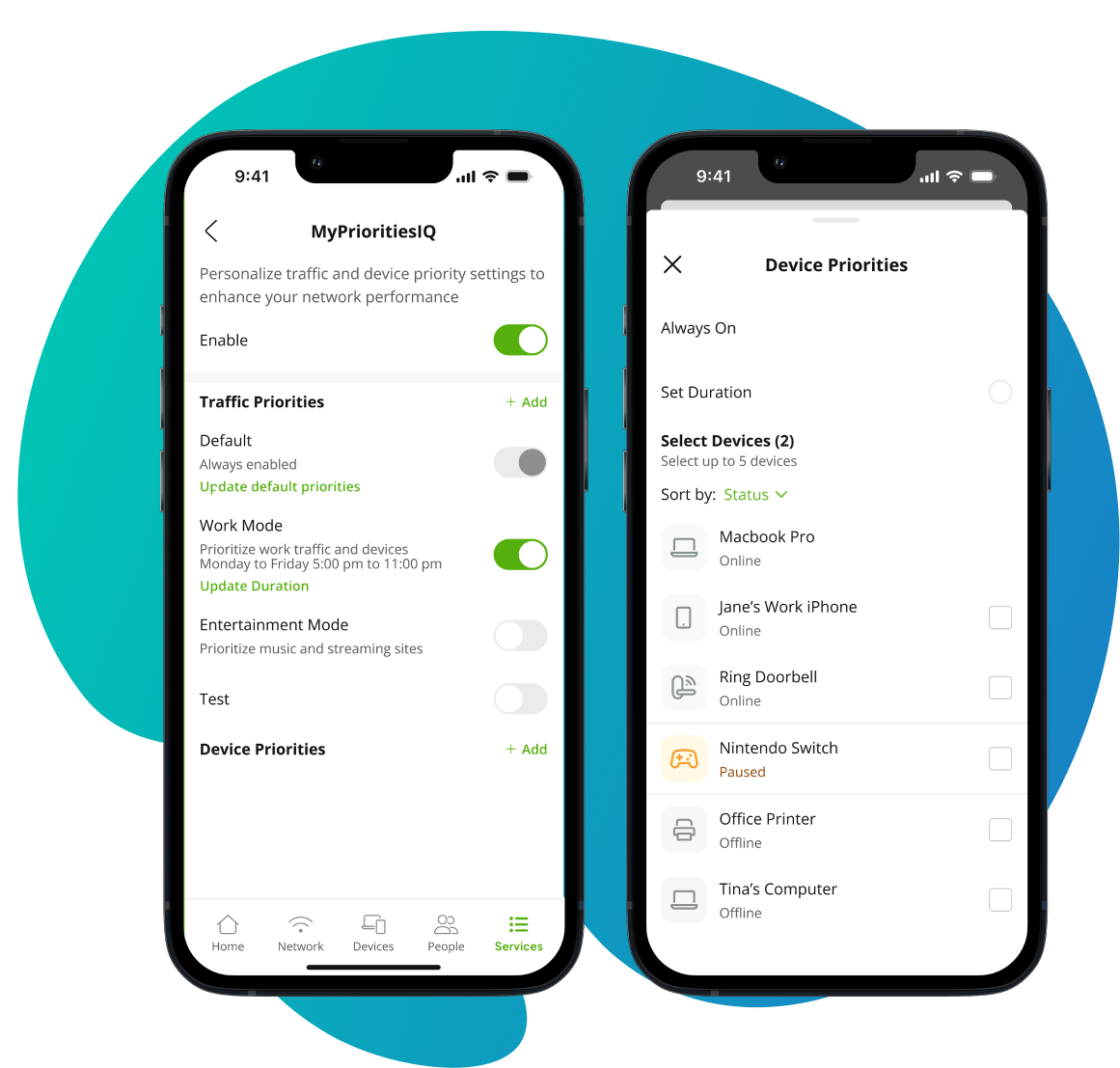
The MyWiFi Xtreme app will even help you troubleshoot your connection issues, monitor your home network and prioritize your smart devices! With MyPrioritiesIQ, you can prioritize your Wi-Fi connection by mode (Work, Entertainment, or Gamer) or add/remove specific priorities for individual devices. It’s super simple to do!
MYPRIORITIESIQ
ready for more speed?
Find the Right Speed for You
No matter your needs, we have a customized high-speed plan that fits your life! Experience the difference of consistent connectivity and secure, reliable service from a local provider.









 SHOP NOW
need to know more?
Speed Test FAQs
If you need additional help or have other questions, one of our friendly customer service representatives are available by phone to help in any way they can at 888-746-4482.
My internet is slow. Is my connection the problem?
Not necessarily. If you experience slow Wi-Fi speeds, the issue is often related to improper router placement or the type of router you are using, rather than the internet connection itself.
What is the first step to diagnose slow speeds?
Take a speed test using the FREE MyWiFi Xtreme App. This is the most effective way to measure, as it shows download and upload speeds directly to the router, rather than any old device you may be using.
Can smart appliances interfere with my Wi-Fi?
Any appliance or device that uses Wi-Fi connectivity (like smart dishwashers or washing machines) uses bandwidth, which can contribute to signal congestion and potentially interfere with your overall Wi-Fi strength. But certain smart appliances, such as microwaves, refrigerators, dishwashers, washers/dryers, coffee makers, toasters, blenders, lightbulbs and Wi-Fi outlets, can actually block or disrupt your Wi-Fi signal.
What should I keep away from my router?
Avoid placing your router near electronics (like microwaves or TVs), large metal objects, bulky furniture, behind thick walls, or sources of water (like large aquariums), as these can interfere with or block the Wi-Fi signal.
What is the most promising solution for appliance interference?
The best solution is adjusting your router placement. Moving your router, even just a few feet away from the interfering appliance, can often dramatically increase your connection speeds and solve interference issues.
Where is the best location to place my router?
Choose a central location in your home, and ensure the router is positioned as high as possible (e.g., on a high shelf or mounted on a wall) to maximize Wi-Fi coverage.
What is a simple maintenance tip that can help?
Occasionally rebooting your router can help reset your system and may improve speeds.

 BOOST WI-FI SPEEDS
 ROUTER PLACEMENT
 HOW-TO VIDEOS