


Easy Ways to Boost Internet Speeds Throughout Your Home
Slow internet can turn simple, everyday tasks into frustrating waiting games. Whether a video keeps buffering, a webpage won't load, or your video call suddenly freezes, connection issues can happen for a variety of reasons. Before you assume there's a major problem with your internet service, there are a few simple things you can try at home.
From finding a better spot for your router to using basic troubleshooting tools, these tips can help you identify what's slowing down your connection and learn how to boost internet speeds throughout your home.
Why is My Internet Slow?
Before changing anything, figure out whether the problem is affecting one device or your entire home network. Try connecting another phone, computer, or streaming device to your Wi-Fi and see if you're experiencing the same issue. If only one device is having trouble, the issue may be specific to that device rather than your own internet connection. If multiple devices are slow at the same time, your router, Wi-Fi network, or internet service may be worth investigating.
You can also check Home Telecom outages by visiting homesc.com/outages if you're wondering about internet problems today. An outage or service interruption in your area could mean the problem isn't something you can fix by adjusting your router.
Where Should You Place Your Wi-Fi Router?
Where you put your router can have a surprisingly big impact on your Wi-Fi experience. One of the simplest wifi router placement tips is to put your router in a central, open location rather than hiding inside a cabinet or behind furniture. Keep the router elevated when possible and away from large objects, thick walls, appliances, and other electronics that could interfere with the signal. Your router doesn't necessarily need to be in the room where you use the internet most. A more central location can help distribute the Wi-Fi signal more evenly throughout your home.
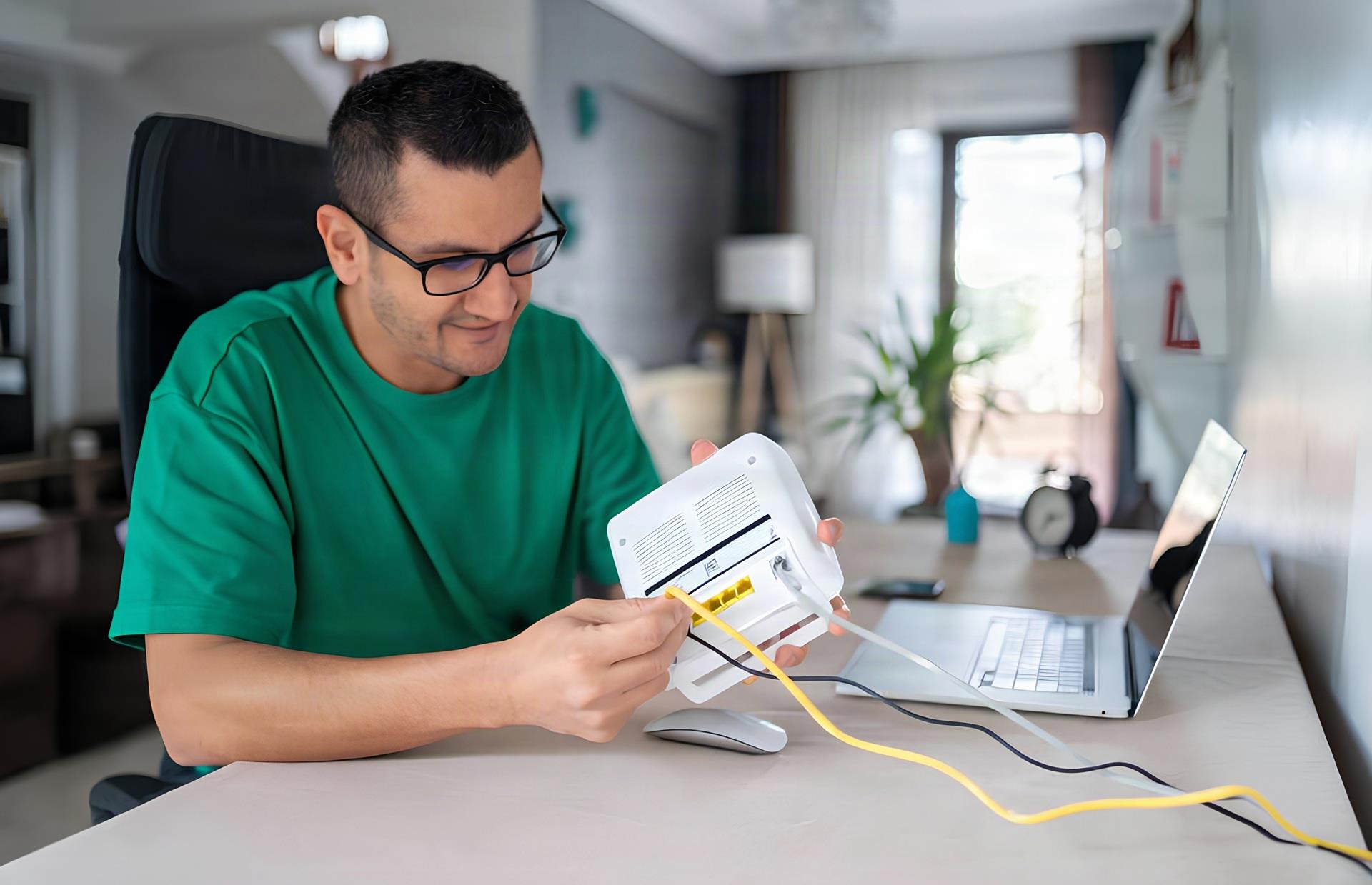
Sometimes the simplest solution is the right one. If your connection seems sluggish or devices aren't connecting properly, try restarting your router. Unplug the router, wait about 30 seconds, and plug it back in. Give it a few minutes to fully restart before testing your connection again. A restart can clear temporary issues and give your network a fresh start. If you regularly experience problems that return after restarting, however, it may be worth investigating further rather than repeatedly rebooting the internet.
Check Your Devices and Connections
If you're still experiencing problems, take a closer look at what's happening on your network. Multiple devices streaming video, downloading large files, gaming, or running updates at the same time can put additional demand on your connection.
Close applications you're not using, and check whether devices are downloading updates or backing up large amounts of data in the background. If your internet is consistently struggling when multiple people are online, you may also want to consider whether your current internet plan meets your household's needs. Remember to check the MyWifi Xtreme app to see which devices are connected to your network!
How Do You Troubleshoot Wi-Fi Problems?
When basic fixes aren't enough, network troubleshooting tools, like speed tests, can help narrow down what's happening. A speed test can show your current download and upload speeds. Remember to test using the MyWifi Xtreme app to see the speeds getting directly to your router, not the device that's connected wirelessly. For best results, run a few tests at different times of day.
If you're testing Wi-Fi speed on individual devices, like phones, smart TVs, or tablets, remember that device performance can affect the results. Wi-Fi speeds may vary based on the age of the device, distance from the router, interference, and other factors. Some devices may not be capable of reaching the full speeds available on your internet plan.
It's important to know the difference between an internet service issue and a Wi-Fi coverage issue. If your connection works well when you're close to the router but becomes unreliable farther away, the problem may be Wi-Fi coverage. In larger homes or spaces with challenging layouts, a mesh Wi-Fi system can help extend coverage to areas that struggle to receive a strong signal.
When It's Time to Call for Help
If you've tried restarting your equipment, improved your router placement, checked your devices, and run some basic tests and still experiencing problems, it's time to reach out to your internet provider. Our team has efficient network troubleshooting tools to look further into your network. When you reach out to one of our friendly, local support specialists, it's helpful to share the following information:
- When the issue is happening
- Which devices are affected
- What troubleshooting steps you’ve already tried
That will help us quickly identify whether the problem is related to your equipment, Wi-Fi network, or internet service. There's a lot we can fix just over the phone. But if it's not that easy, we'll dispatch a Service Technician to your home to get to the bottom of it.
A Faster, More Reliable Connection Starts at Home
You don't always need new equipment or a faster internet plan to improve your Wi-Fi experience. Sometimes, moving your router, restarting your equipment, or identifying a device-specific issue can make a noticeable difference.
By understanding how to boost internet speeds and knowing where to start when something goes wrong, you can spend less time troubleshooting and more time enjoying the connection you depend on every day.