


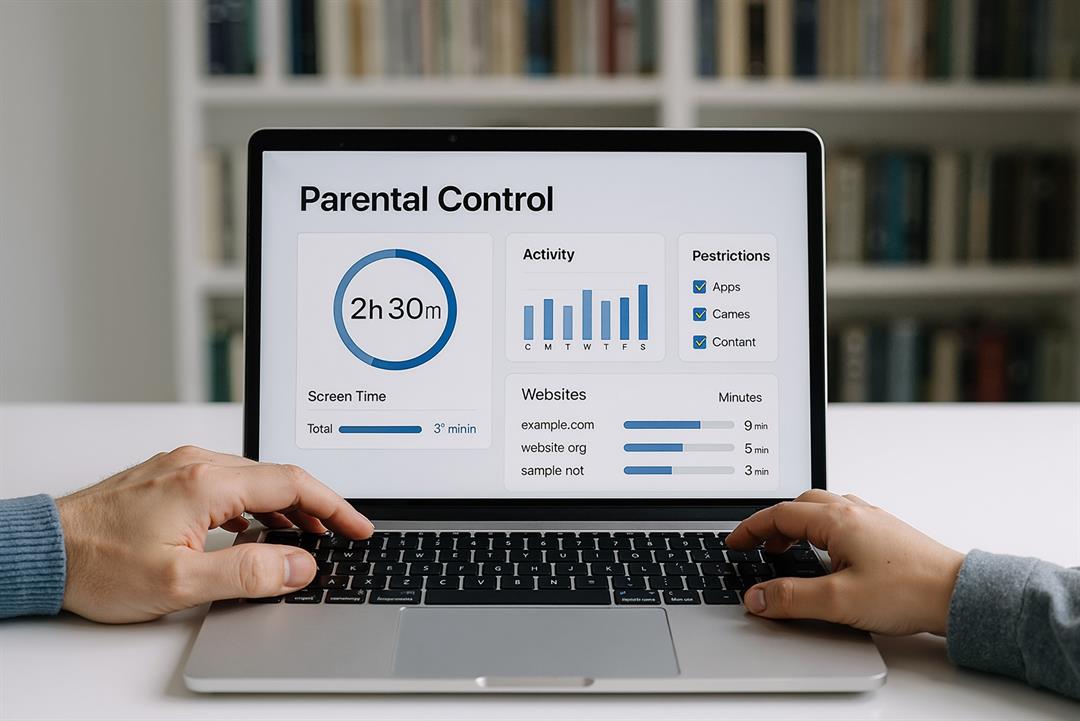
Set Up Parental Controls for Devices
The American Psychological Association (APA) conducted an international study of 292,000 children worldwide last year. They found that increased screen time can lead to a cascade of emotional and behavioral problems. It’s vital that parents protect children while they’re online and use parental controls to limit not only content but also screen time.
Why Use Parental Controls for Devices?
Medical experts advise that parents limit screen time not only for young children but also for adolescents and teenagers. Pediatricians recommend evaluating children based on the following questions:
- Is your child receiving plenty of uninterrupted sleep?
- Is your child eating a well-balanced diet daily?
- Does your child get enough daily exercise?
- Does your child have quality in-person time with family and friends?
- Is your child able to keep up in school?
- Does your child enjoy other non-screen activities, such as sports, reading, music or crafts?
If you answer no to any of the above questions and your child gets a lot of screen time, whether it be from devices or TV, it might be time to evaluate parental controls, especially if your child receives a new device as a gift.
In today’s world, it’s important to help families commit to creating safer, healthier online spaces for children.
How Do Parental Controls Help?
Parental controls for devices and software that manage kids’ online use can help limit children’s screen time. For example, parental controls can set time limits for devices, monitor online activity, filter content and even manage app/purchase approvals for games. Let’s explore parental controls further.
- Screen Time Management – Parental controls allow parents to set schedules for school and bedtime, as well as daily screen time limits. For example, you can set screen time to off until children’s homework is done, and also restrict any devices two hours before bedtime to help facilitate a better sleep schedule.
- Content Filtering – While most parents assume that content filtering is limited to inappropriate adult-rated content, it can also extend to other types of content, such as social media. In fact, John Hopkins Medicine published an article about the positive and negative aspects of having children on social media. Among the negative side effects, according to the United States Surgeon General, social media may harm the mental health of both children and adolescents of all ages. Additionally, you can block or limit access to content websites, apps or online games, or simply restrict the times they are allowed access.
- Location Tracking – Some parental control programs also offer real GPS tracking with alerts. You can also find similar programs with Apple’s Find iPhone and Android’s Find My Device.
- App Purchases – Parental controls allow parents to approve or deny app purchases or downloads.
- Activity Monitoring – Quickly monitor which apps or devices your child spends the most time on.
- Age Restricted Content – Parental controls allow parents to set age-based restrictions on certain content, such as gaming, streaming, YouTube, and social media, and to enable Google SafeSearch for children.
Home Telecom Offers Advanced Parental Controls for Devices
If you’re a Home Telecom customer, take advantage of our Connected Family Plan that helps to create a safe online environment for children. You’ll have peace of mind knowing that you can control and block content accessible to your children. Learn more about Home Telecom’s Connected Family Plan.