

Simple Tips for Creating Strong Passwords That Protect Your Accounts
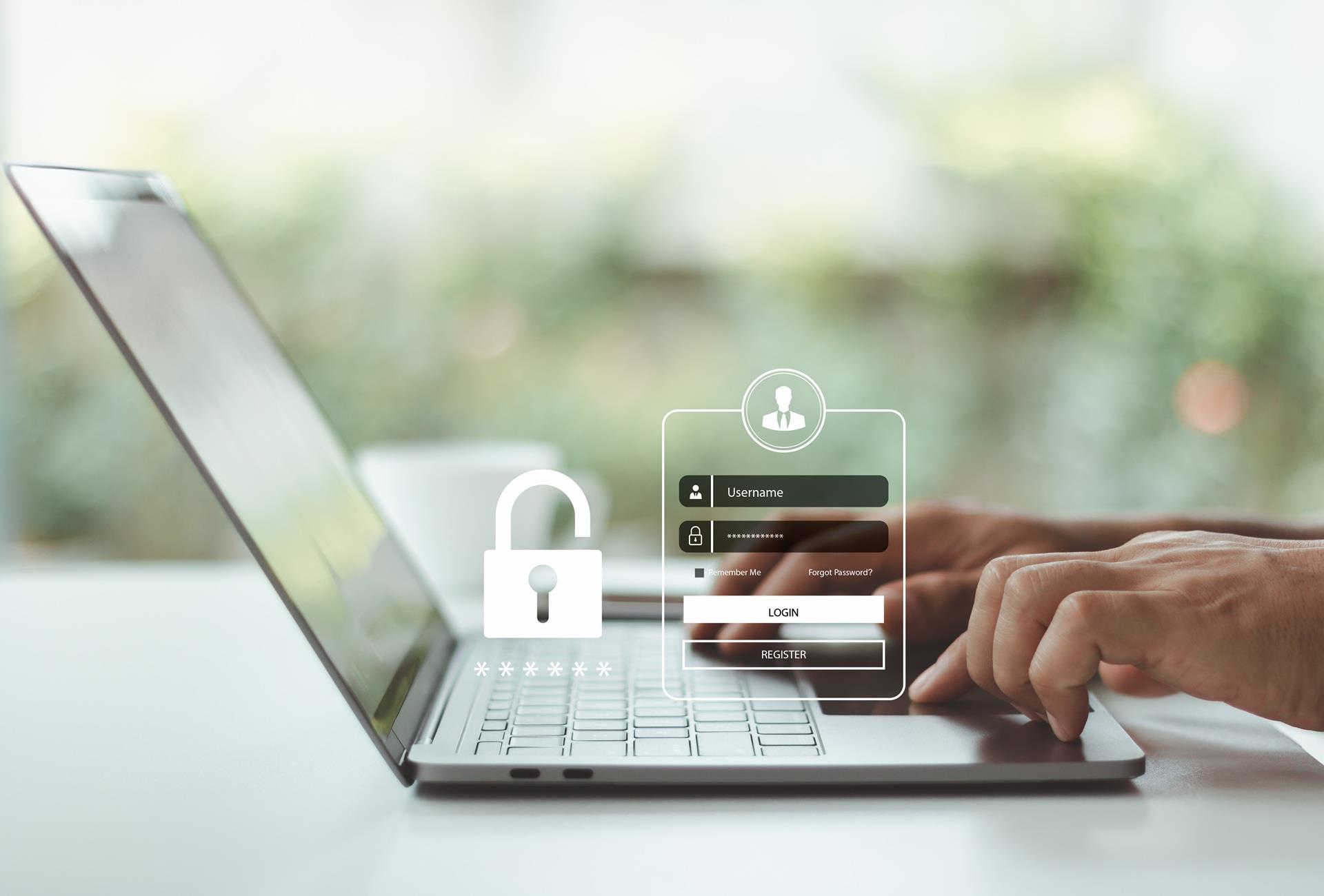
Think about how many accounts you access every day. Email, banking, shopping, social media, streaming, work, and smart-home devices all require some form of login. With so much personal information stored online, protecting those accounts starts with the basics: creating strong passwords.
A strong password can help keep your accounts protected from unauthorized access, and a few simple habits can make a big difference in your overall online security.
Start With Length
One of the easiest ways to create a stronger password is to make it longer. Instead of relying on a short combination of letters and numbers, consider using a longer passphrase made up of several unrelated words. For example, you could create a long password from a phrase like “PurpleRiverCoffeeLamp.” The individual words aren’t related to one another, making the password harder to guess while still being easy to remember. In general, longer passphrases made up of unrelated words are considered more secure than short, simple passwords.
Avoid information that could easily be connected to you, such as your name, birthday, address, pet name, or favorite team. It's also smart to stay away from common phrases and predictable patterns. The goal is to create something that's difficult for someone else to guess, even if they know a little about you.
Use a Different Password for Every Account
It may be tempting to use one password for everything. After all, remembering multiple passwords can be a hassle. But reusing passwords can put several accounts at risk if one password is compromised.
Instead, create a unique password for each important account. That way, if one account is breached, the same credentials can't automatically be used to access your other accounts. Start with your most important accounts, including email, banking, cloud storage, and social media.
Try a Strong Password Checker
Wondering whether a password is actually strong? Using a free, strong password checker, such as Bitwarden Password Tester or NordPass Strength Checker, can help you understand whether a password is easy to guess or contains common patterns. When using one of these tools, be careful about entering your actual passwords into unfamiliar websites. A reputable security tool should help evaluate password strength without asking you to provide sensitive account credentials.
If a password has been used on an important account for years, consider replacing it with a new, unique password rather than simply making a small change to the existing one.
Let a Strong Password Maker Do the Work
Creating unique passwords for dozens of accounts can feel overwhelming. That's where a strong password maker can come in handy. Password generators create random combinations that don't rely on personal information or predictable patterns. They can be especially useful when you're creating a password for an account you don't need to memorize.
Pairing a password generator with a password manager means you can use complex, unique passwords without having to remember every single one.
Keep Track with a Password Manager
If you're managing multiple unique passwords, a password manager can make the process much easier. Password managers securely store your login credentials, allowing you to use different passwords without having to memorize them all.
Many password manager programs can also generate random passwords, automatically fill in your credentials, and identify reused or potentially compromised passwords. When choosing a password manager, look for a reputable provider and security features such as encryption and multi-factor authentication. If you’re considering using a password manager but aren’t sure where to start, explore our guide to the best password manager apps and learn about some of the most popular options available today.
Add an Extra Layer of Protection
Passwords aren't the only way to protect your accounts. Whenever possible, enable multi-factor authentication, or MFA. MFA requires an additional verification step when you sign in, such as a code from an authentication app, a security key, or another approved method. This means that even if someone obtains your password, they may still be unable to access your account with that second factor.
Prioritize MFA for accounts containing especially sensitive information, such as email, banking, and cloud storage.
Watch Out for Phishing Scams
Even the strongest password can't protect an account if you accidentally give your credentials to a scammer. Be cautious about unexpected emails, texts, or messages asking you to click a link or verify your account information.
Before entering your password, check that you're using the legitimate website or app. If you receive a suspicious message, navigate directly to the company's website instead of clicking the provided link.
Protect More Than Your Passwords
Strong passwords are an important part of protecting your digital life, but your home network matters too. Phones, computers, smart TVs, security cameras, and other connected devices all rely on your home Wi-Fi.
A secure, reliable home network provides an important foundation for your connected devices. Home Telecom's network is designed to provide whole-home Wi-Fi coverage, while keeping your home safe from online intruders. Creating strong, unique passwords, enabling multi-factor authentication, and practicing safe browsing habits can all help protect the accounts and devices you rely on every day. A few minutes spent strengthening your digital security today can save you a much bigger headache down the road.
Strong passwords are just one part of staying safe online. Learn how Home Telecom’s security solutions help protect your devices, personal information, and home network from cyber threats.